

- MFA is the single highest-value security control most businesses can deploy, and it is usually low-cost or free.
- Microsoft reports it blocks more than 99% of automated account-compromise attacks, the kind that make up the vast majority of what hits your business daily.
- Not all MFA is equal. SMS codes are the weakest form and are increasingly bypassed; app-based and phishing-resistant methods are far stronger.
- Roll it out first where the damage is greatest: email, administrator accounts, remote access, and financial systems.
- The decision to make is simple: require MFA on high-value accounts, prefer an authenticator app over SMS, and phase the rollout.
If you make one security decision for your organisation this year, make it this one. Multi-factor authentication, or MFA, is the closest thing information security has to a sure bet: modest cost, minimal disruption, and a dramatic reduction in the most common way businesses get breached. Yet it is still missing from a striking number of accounts. This is a plain-language explanation of what MFA is, why it matters as a business decision, and the choices you actually need to make, without the jargon.
What MFA actually is
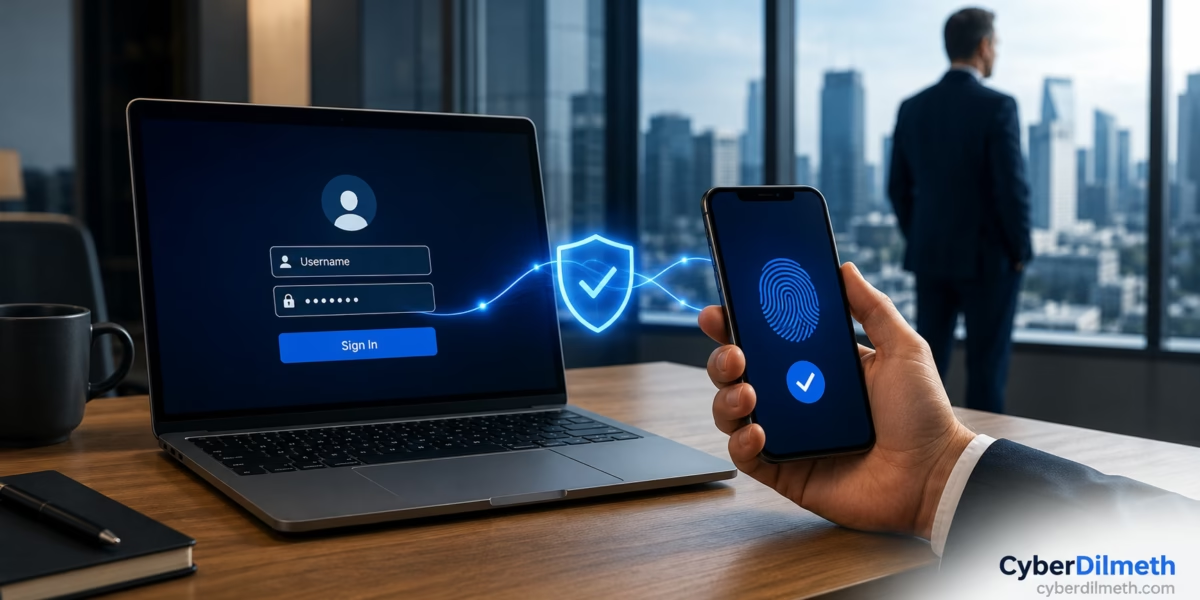
A password is a single factor: something you know. The problem is that passwords are stolen, guessed, reused, and leaked in breaches constantly, so “something you know” is no longer enough on its own. Multi-factor authentication adds a second, independent proof of identity, usually something you have (a code from an app on your phone, or a physical security key) or something you are (a fingerprint or face scan).
The practical effect is straightforward. Even if an attacker has a valid username and password, they still cannot log in without that second factor. It turns a stolen password from a crisis into a non-event.
Why it is the highest-value decision you can make
Most business breaches do not begin with a sophisticated hack. They begin with a working password, obtained through a leak, a reused credential, or a convincing phishing message. Microsoft, which observes hundreds of millions of identity attacks every day, reports that the overwhelming majority are password-based, and that turning on MFA blocks more than 99% of these automated account-compromise attacks. It also reports that the vast majority of compromised accounts had no MFA at all.
Translate that into business terms. A single compromised email account can be used to send convincing fraud to your staff and customers, approve fake invoices, reset passwords on your other systems, or quietly read sensitive information for weeks. The cost of that is not just the incident itself; it is the downtime, the breach-notification obligations, the legal process, and the damage to trust that follows. We saw exactly this pattern of credential-and-access risk play out in the EY data breach. Against all of that, MFA is a remarkably cheap insurance policy. It is also increasingly non-optional: most cyber-insurance policies and compliance frameworks now expect it, and some will not cover you without it.
Not all MFA is equal
This is the part most explanations skip, and it is the part that matters most in 2026. “We have MFA” is not a finished answer, because the form of MFA determines how much protection you actually get.
- SMS or email codes. Far better than nothing, and they stop essentially all automated attacks. But they are the weakest common form: codes can be intercepted, and phone numbers can be hijacked through SIM-swap fraud. Regulators in some sectors are moving away from SMS as a primary method.
- Authenticator apps. A code or approval from an app like Microsoft Authenticator or Google Authenticator is meaningfully stronger and costs nothing. This is the sensible default for most businesses.
- Phishing-resistant MFA. Physical security keys and passkeys are the strongest option. They are designed so that even a victim who is actively being tricked cannot hand over access. Reserve these for your highest-value accounts.
The reason this matters: as MFA has become common, attackers have adapted. Security researchers, including in Verizon’s 2025 breach report, now regularly see “prompt-bombing” (spamming someone with approval requests until they tap yes) and real-time relay attacks that trick a user into approving the attacker’s login. These techniques mostly defeat the weaker, human-approved forms of MFA. They rarely defeat phishing-resistant methods. So the guidance for a business leader is not just “turn on MFA,” it is “prefer app-based over SMS, and use phishing-resistant methods where the stakes are highest.”
Where to turn it on first
You do not have to do everything at once, and you should not try to. Prioritise by damage potential:
- Email accounts. Email is the master key. Whoever controls an inbox can usually reset the passwords to everything else. Start here.
- Administrator accounts. Anyone with the power to change your systems is a top target. These should use the strongest MFA you can deploy.
- Remote access. VPNs and any system reachable from the internet are where attackers knock first.
- Financial and payment systems. The accounts that move money deserve the strongest protection you have.
“But it will slow everyone down”
This is the most common objection, and it is worth answering honestly rather than dismissing. Yes, MFA adds a step. In practice, with a modern authenticator app the step takes a second or two, and features like remembering trusted devices mean staff are not prompted on every single login. Set against the alternative, which is the very real risk of a business-halting account takeover, the trade is not close. The friction is small, predictable, and one-time to set up; the risk it removes is large and ongoing.
The way to make a rollout smooth is to communicate the why, start with a small group, provide clear setup instructions, and default to an authenticator app rather than asking people to buy or carry anything. Pairing MFA with strong, unique passwords gives you two independent layers, so that even a leaked password on its own gets an attacker nowhere.
- Make MFA mandatory on email, administrator accounts, remote access, and financial systems. Not optional, mandatory.
- Default to an authenticator app, not SMS, and use phishing-resistant security keys or passkeys for your most sensitive accounts.
- Phase the rollout: start with a small group, communicate the reason, provide setup instructions, then expand.
The one-line version for your board: we are requiring multi-factor authentication on all high-value accounts, using an authenticator app rather than text messages, because it neutralises the most common cause of business breaches at very little cost.
The bottom line
MFA is not a silver bullet, and no honest guide will tell you it is. A determined, targeted attacker can still find ways around weaker forms of it. But for the overwhelming majority of what actually threatens a business, day in and day out, it is the most effective and most affordable control you can put in place. Turning it on, in the right form, on the accounts that matter most, is one of the highest-return decisions a leader can make.